Take Control of Your Network
The unofficial Pi-hole client for Android. Monitor and manage your Pi-hole on your home network with a clean, modern interface.

Features
Feature details
Easy Management
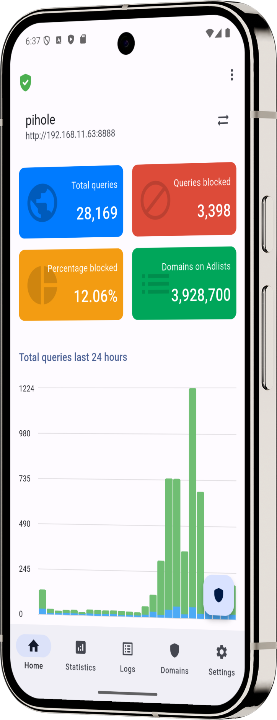
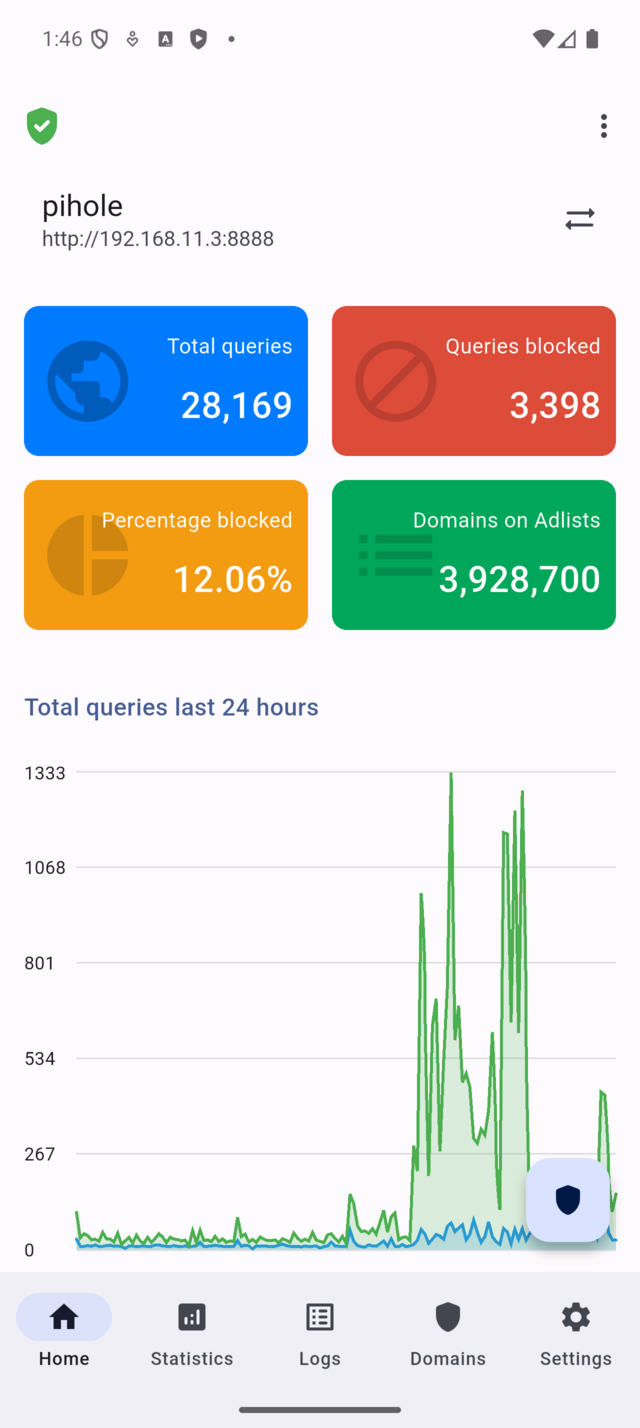
Use the Home screen to check status and pause or resume blocking. Summary tiles jump to Logs and server tools so you can act without hunting through menus.
- One-tap pause with a timed resume
- Status icon reflects connection and blocking state
- Tiles link directly to Logs and server tools
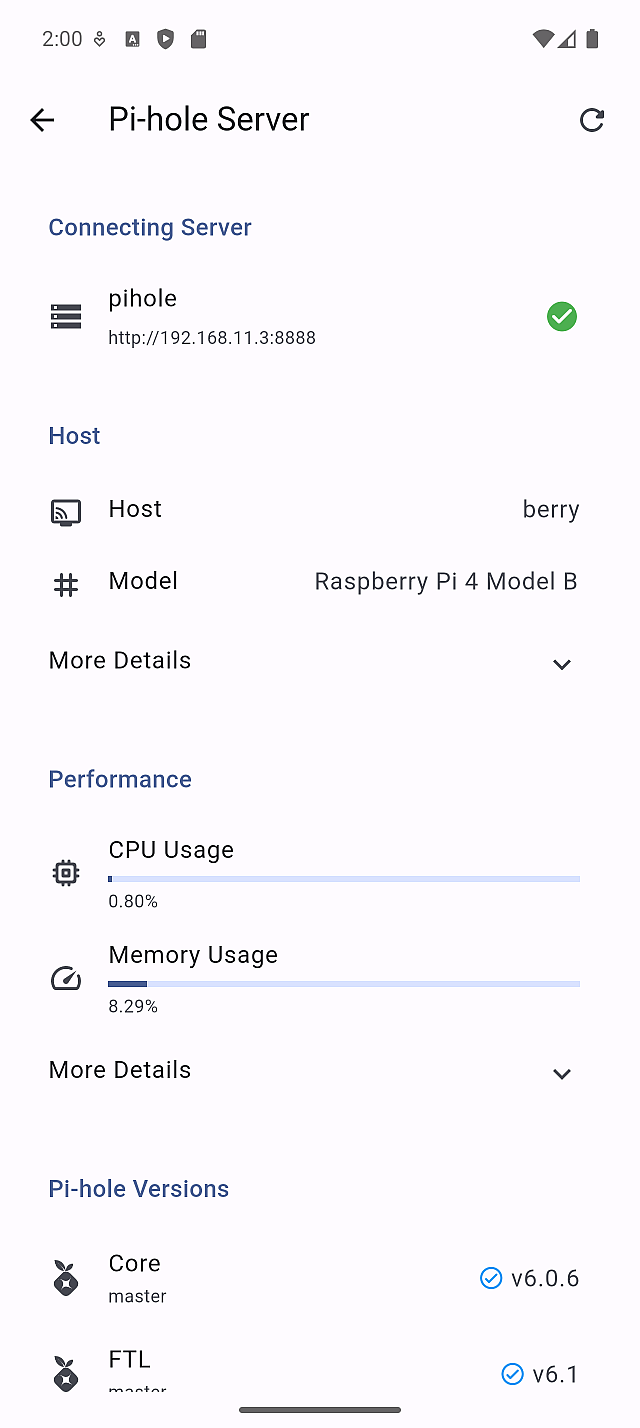
Pi-hole v6 Support
The app is built around the Pi-hole v6 API while keeping v5 compatibility for legacy installs. Features that require v6 are clearly scoped in the UI.
- v6-first behavior and terminology
- v5 fallback for core status and logs
- Clear indicators when v6-only tools are unavailable
Secure Connection
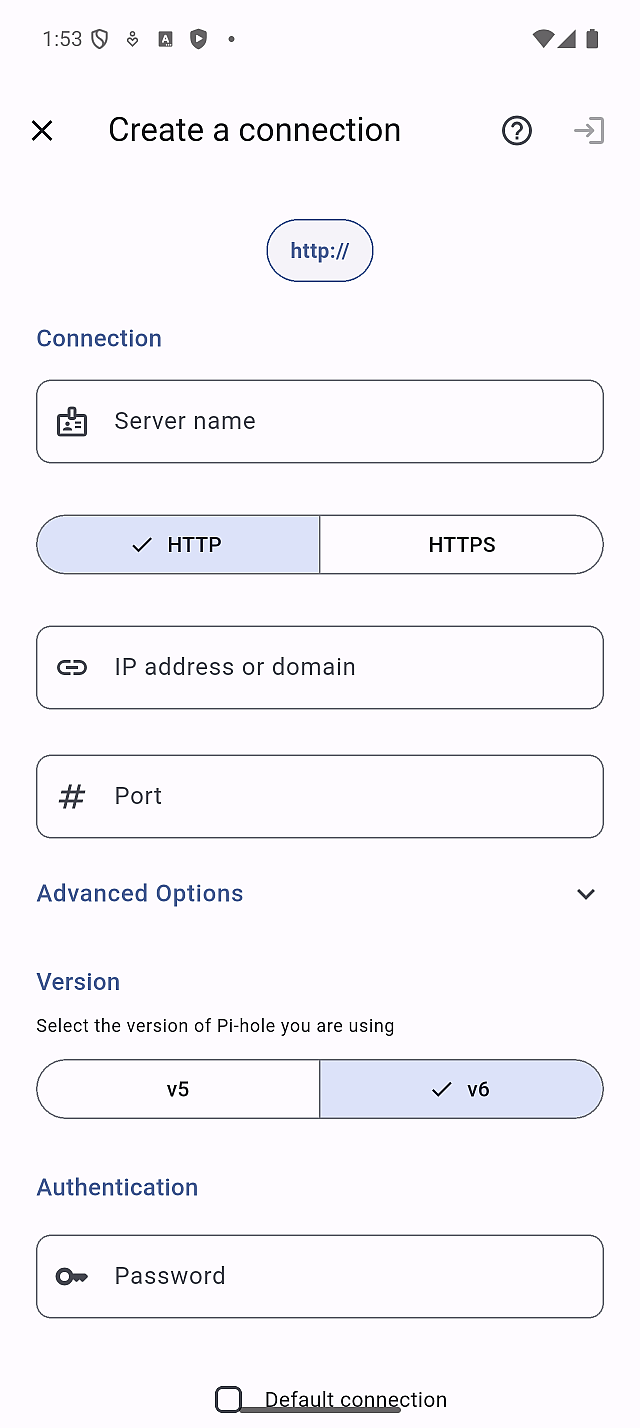
Choose HTTP for local setups or HTTPS when your Pi-hole is served through a reverse proxy or TLS endpoint.
- Optional subroute support (example: /pihole)
- Self-signed certificate toggle for HTTPS
- Connection validation before saving
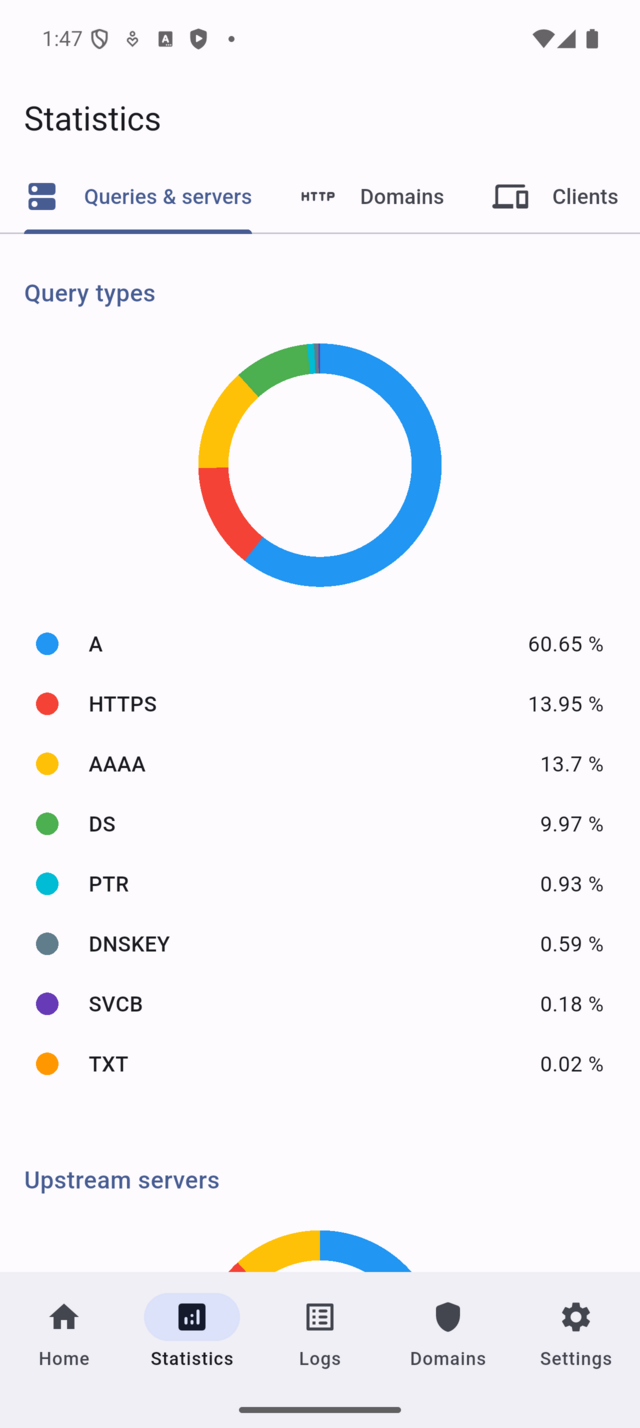
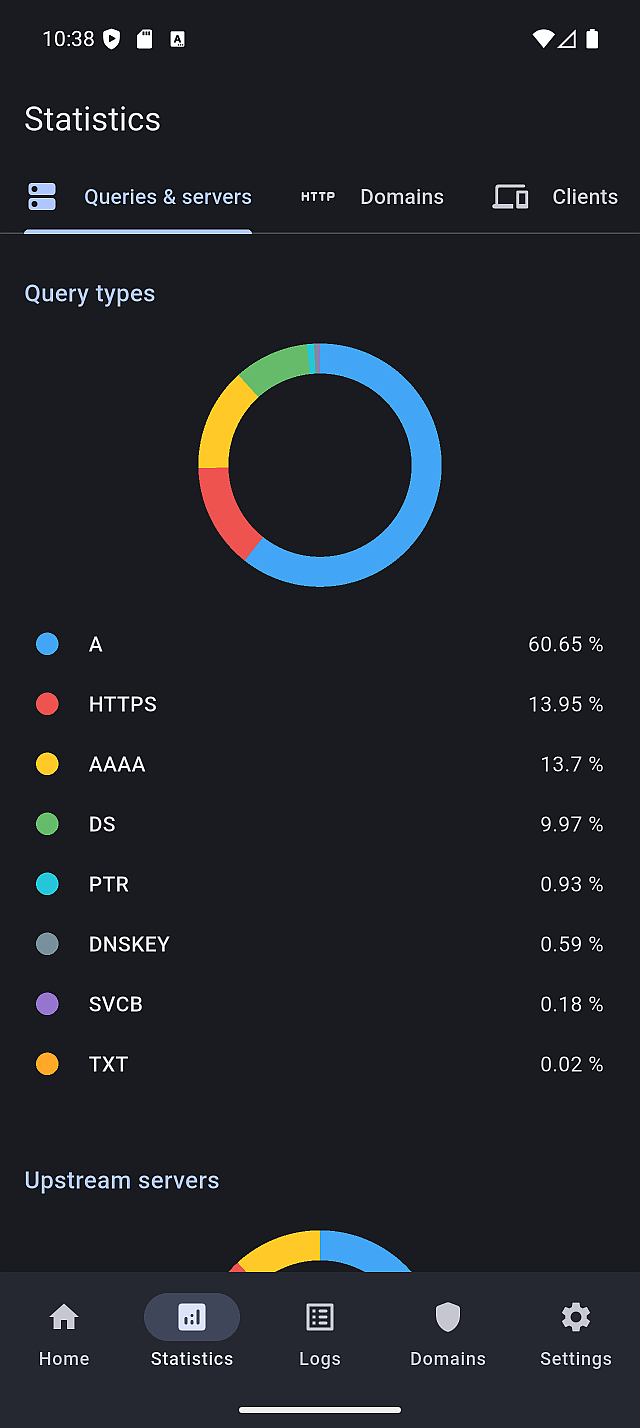
Detailed Statistics
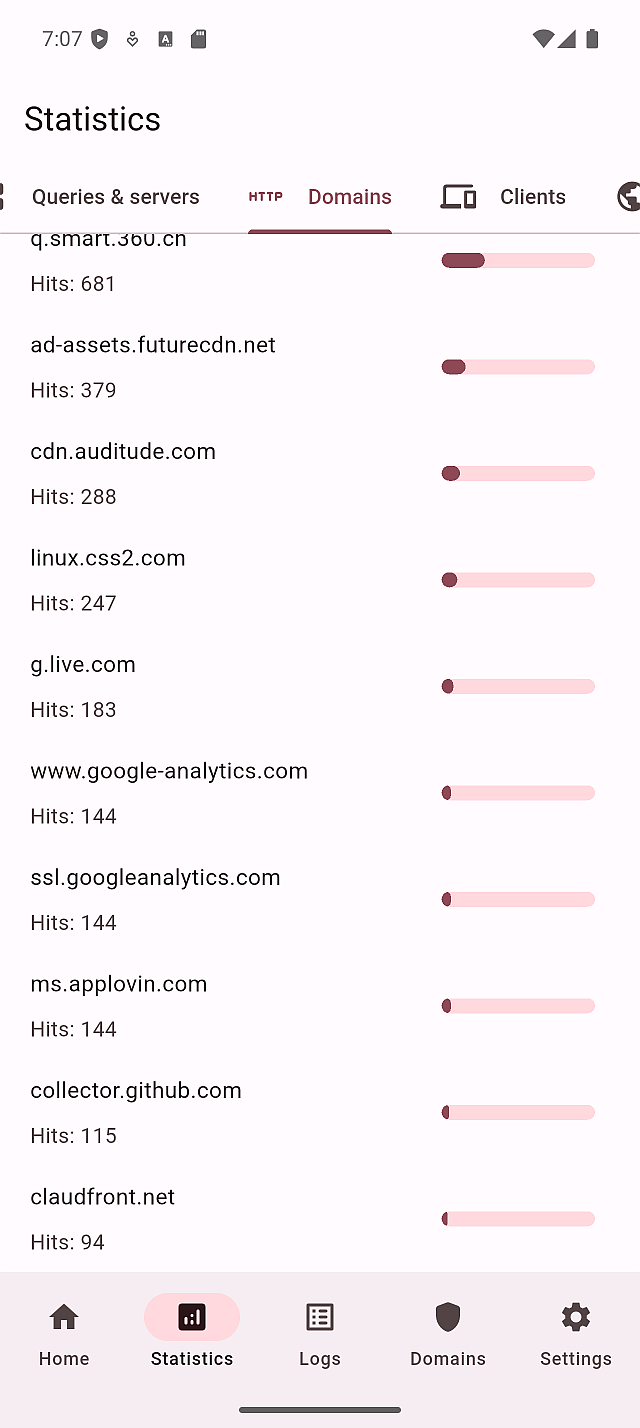
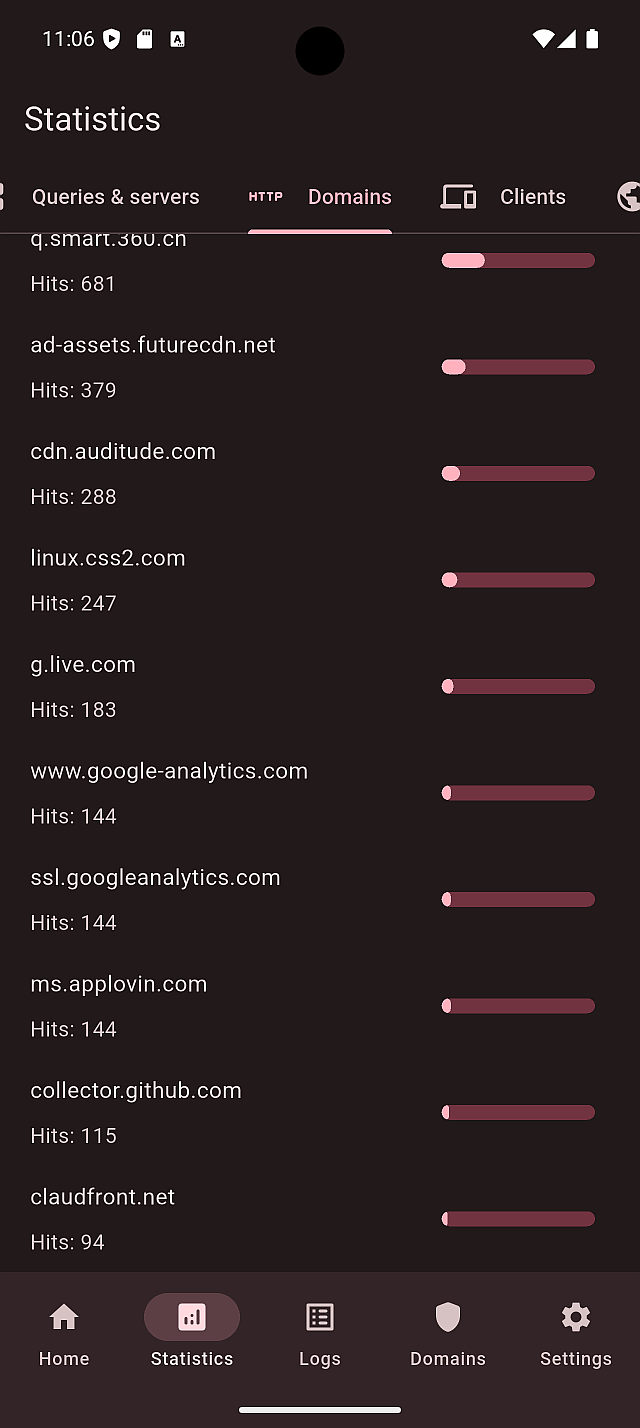
Charts and ranked lists help you understand top domains, clients, and upstream servers. Switch views to compare trends at a glance.
- Queries, domains, clients, and DNS views
- Tap list rows to open filtered Logs
- Display mode toggle for charts vs lists
Multiple Servers
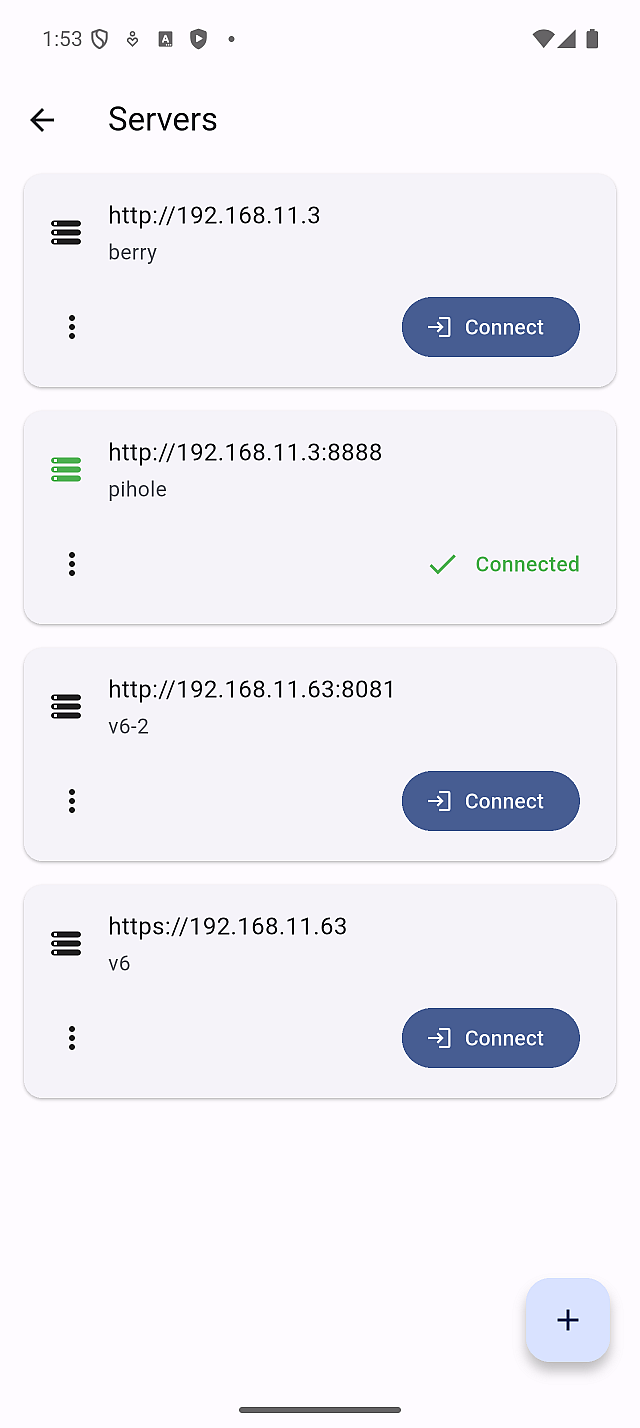
Keep a home Pi-hole and a remote Pi-hole in the same app. Switching servers updates all data and actions immediately.
- Fast switch dialog from the Home header
- Per-server authentication and settings
- Default server selection
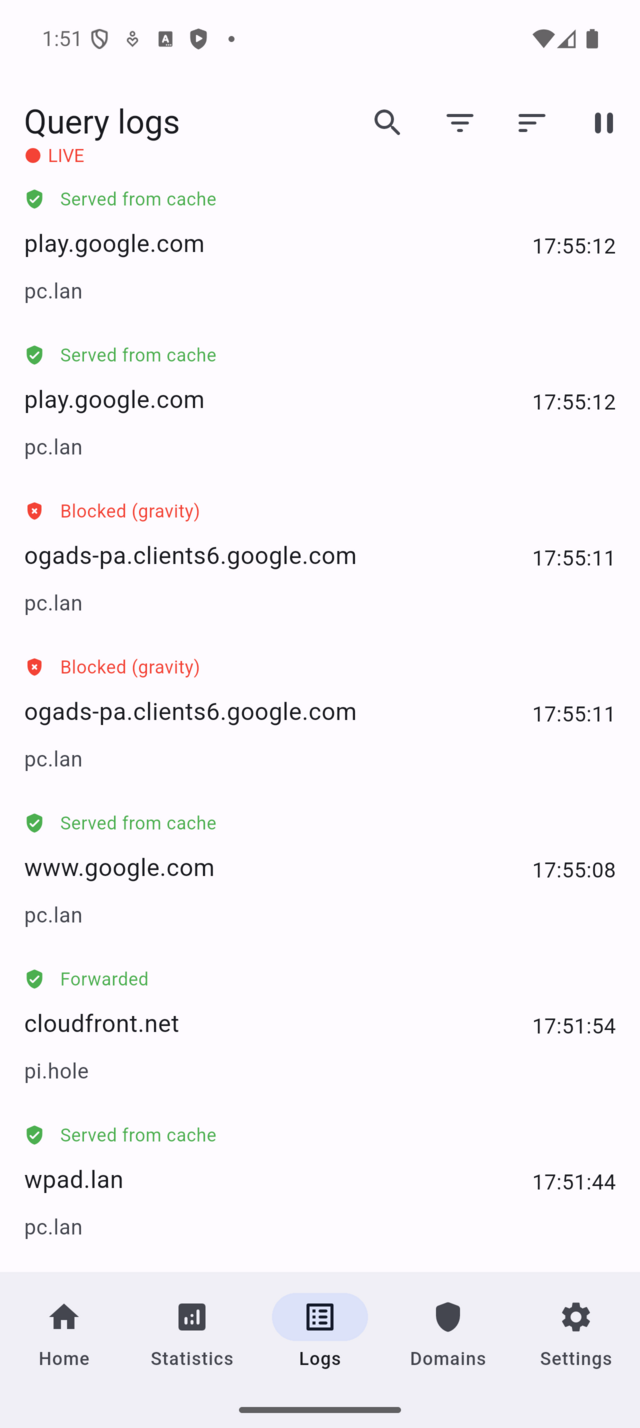
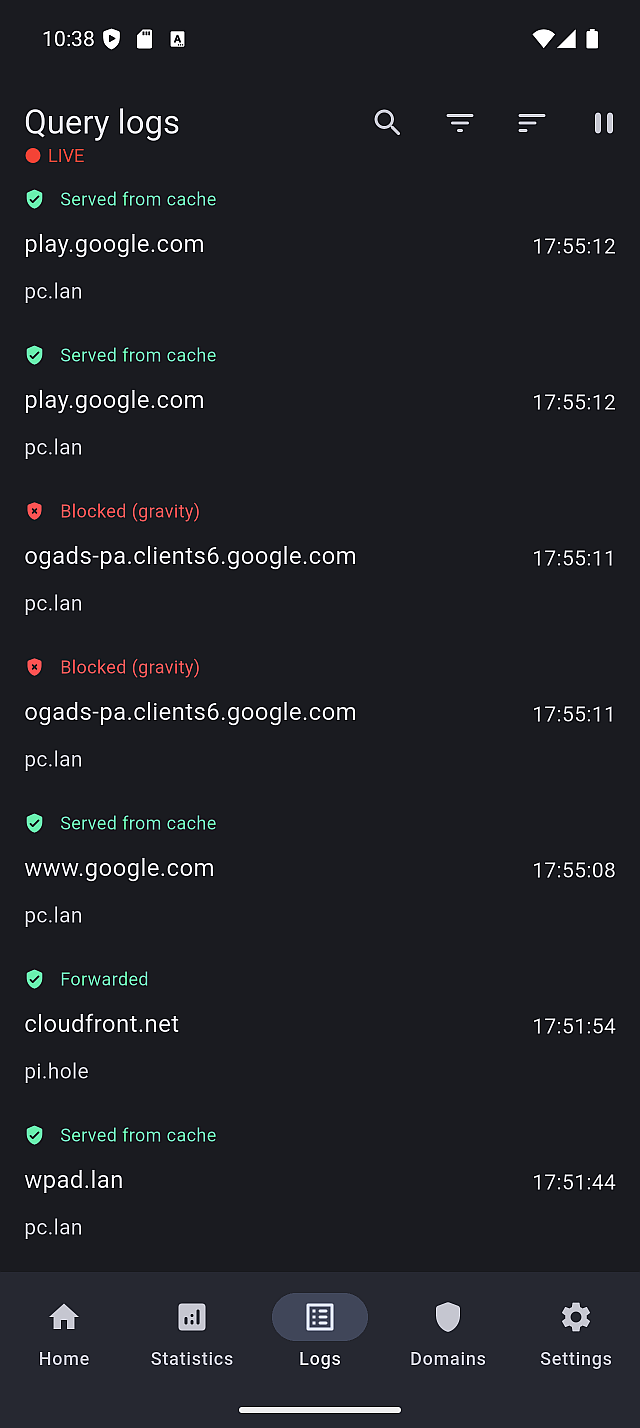
Query Logs
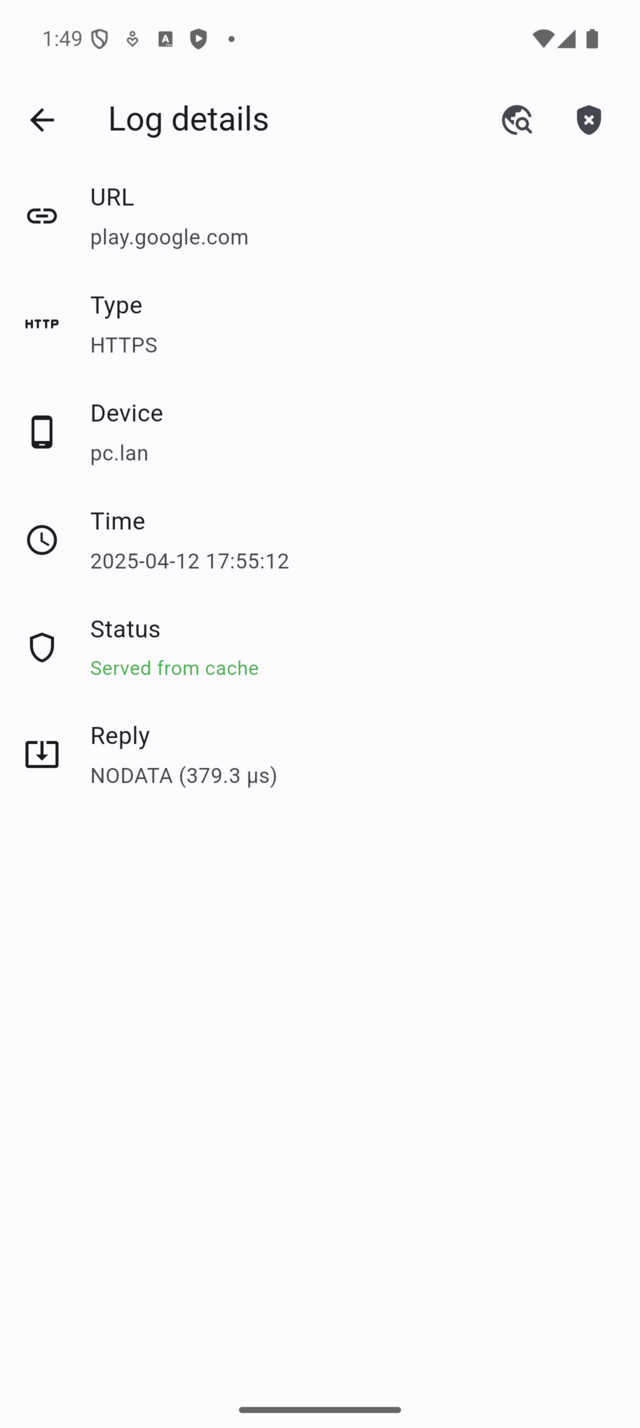
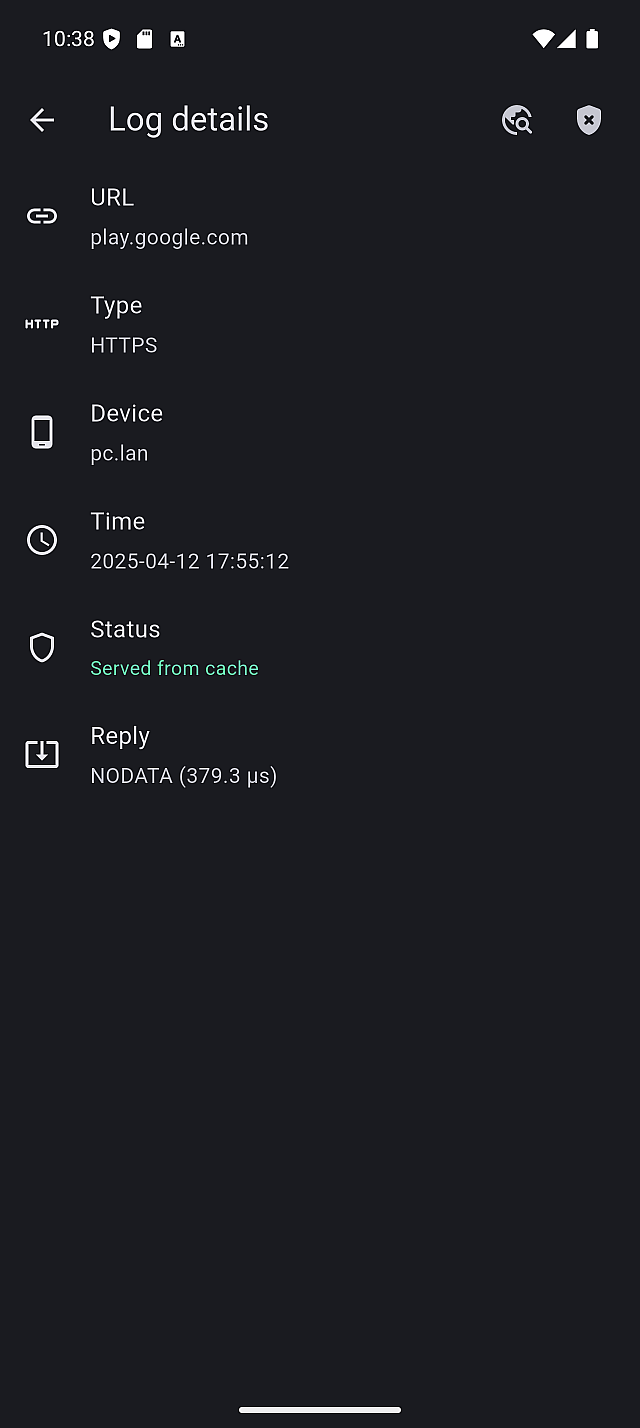
Filter by time, status, and client. Use Live mode for real-time troubleshooting or pause it for stable review.
- Live mode with resume/pause controls
- Manual refresh when Live Log is disabled
- One-tap whitelist or blacklist from details
Domain List Management
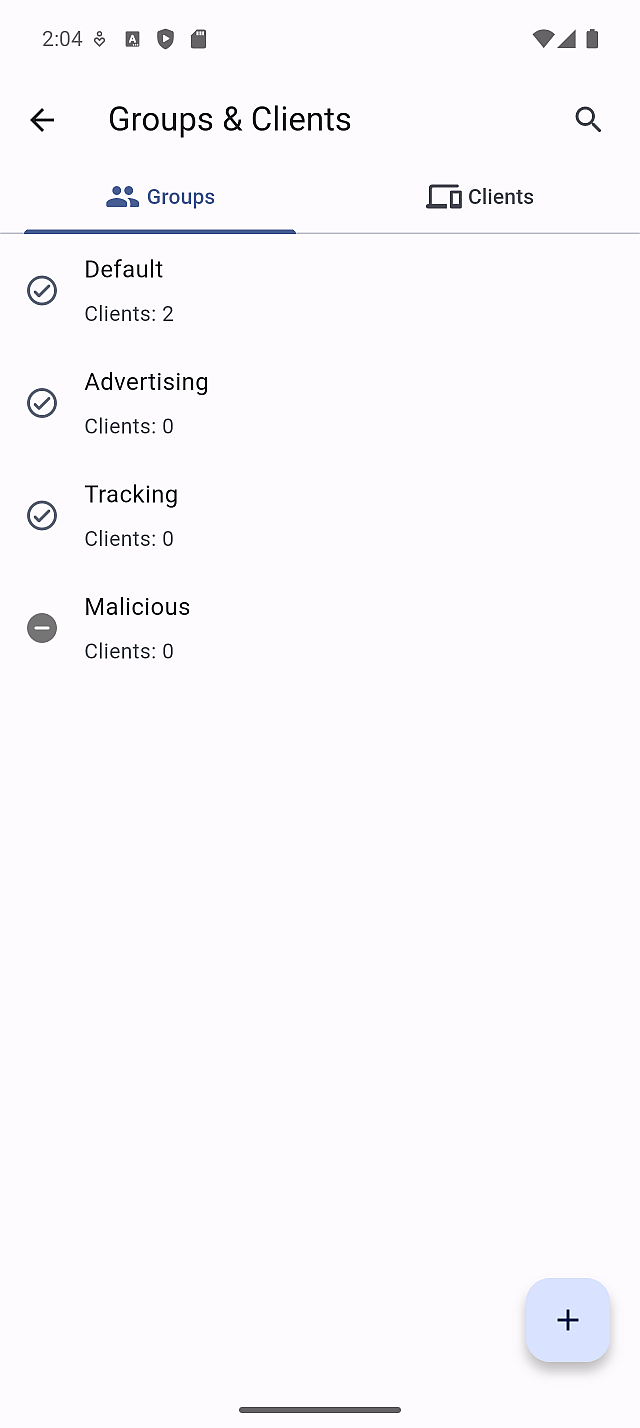
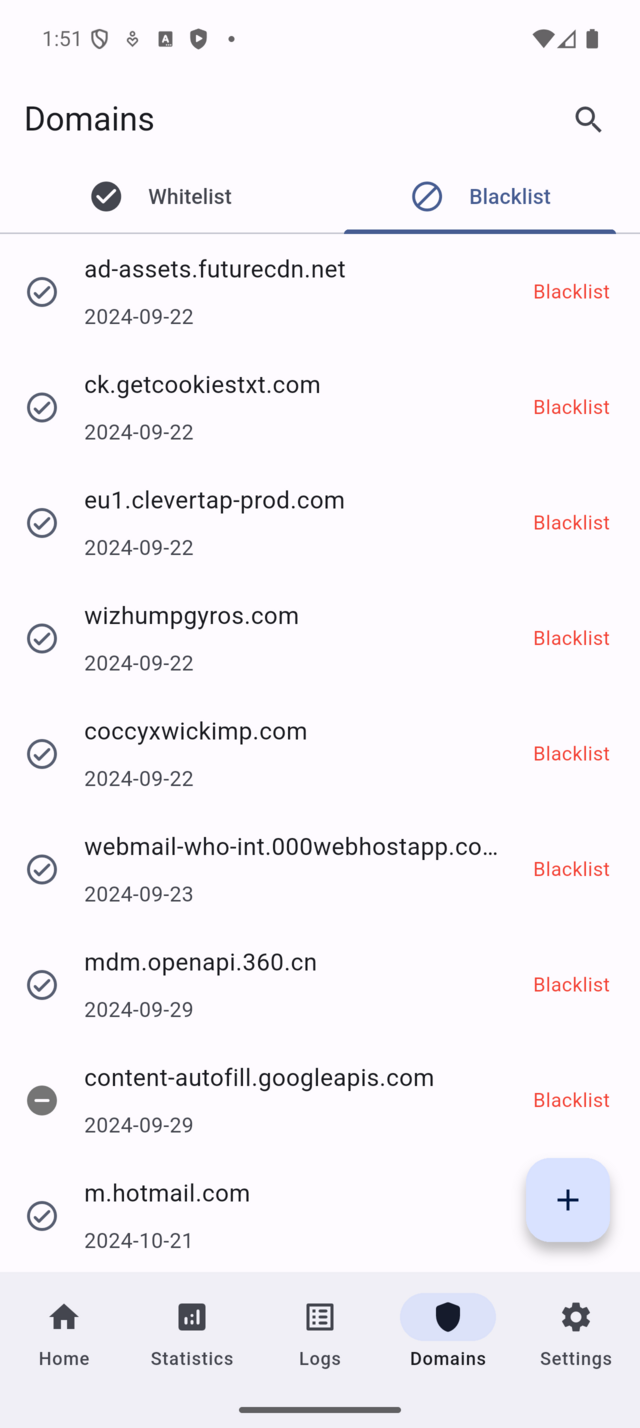
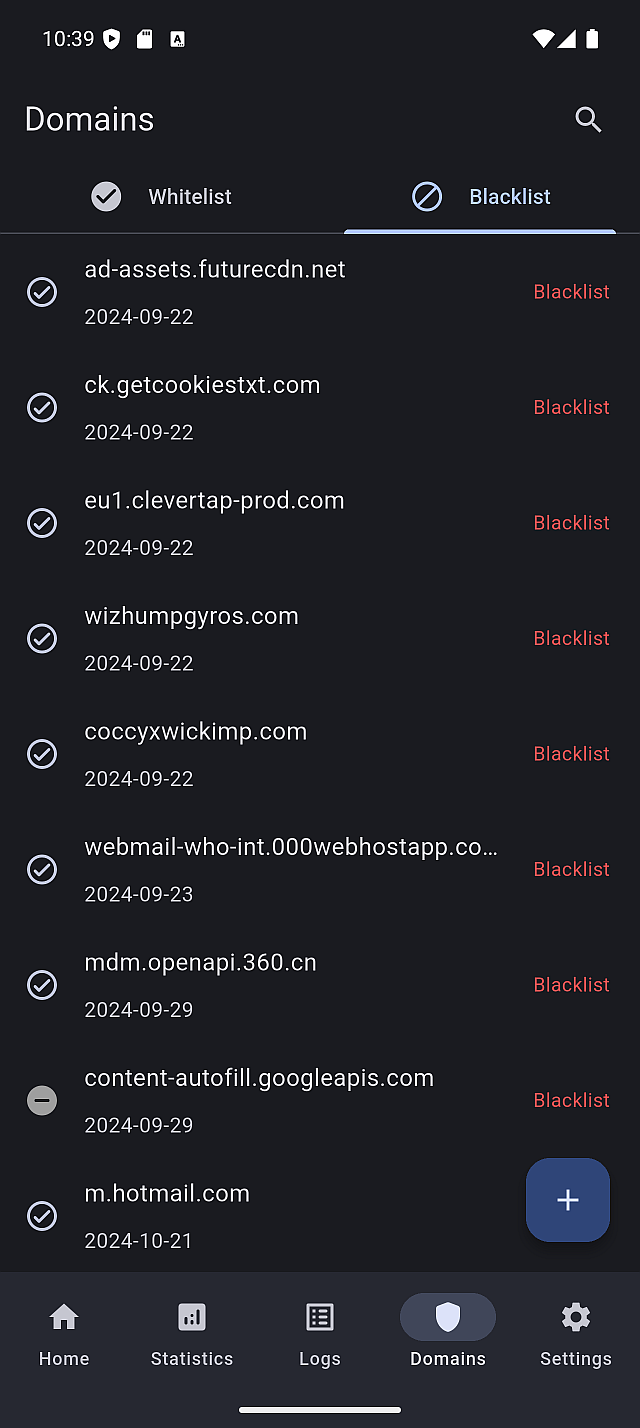
Manage explicit allowlist and denylist entries with clear status and grouping support (v6).
- Whitelist/blacklist tabs
- Optional wildcard rules for subdomains
- Per-rule enable/disable on v6
Update Adlists
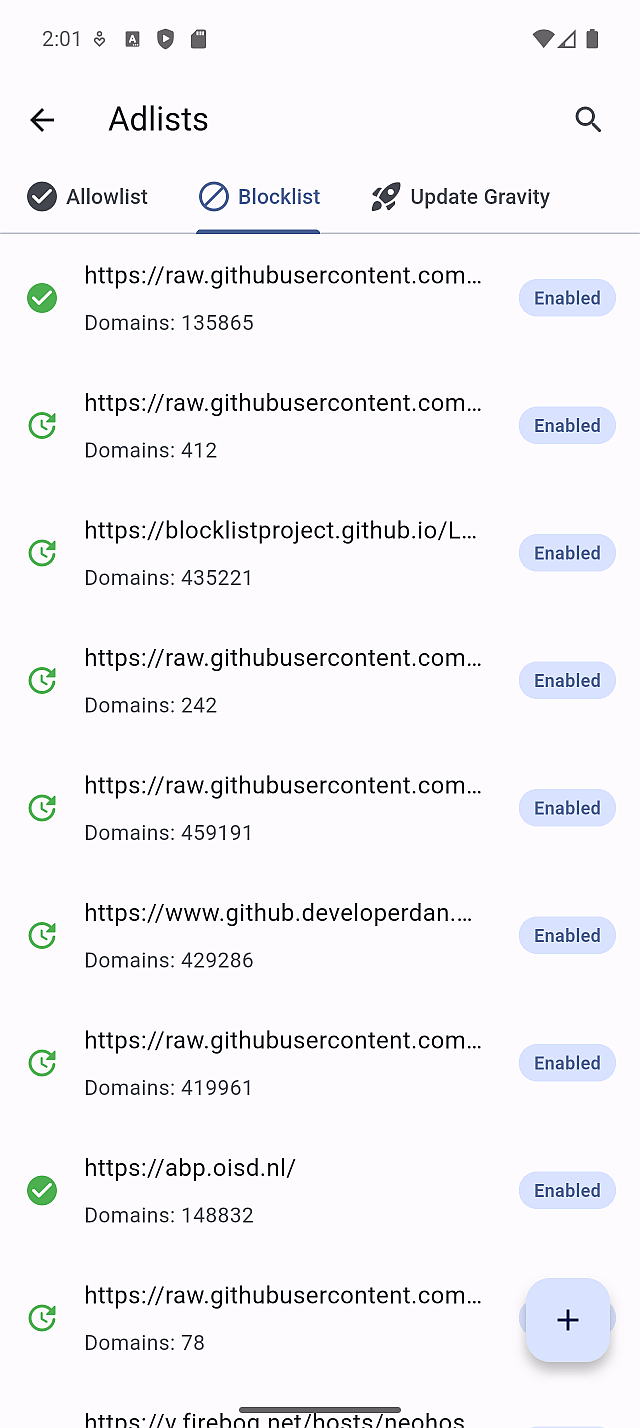
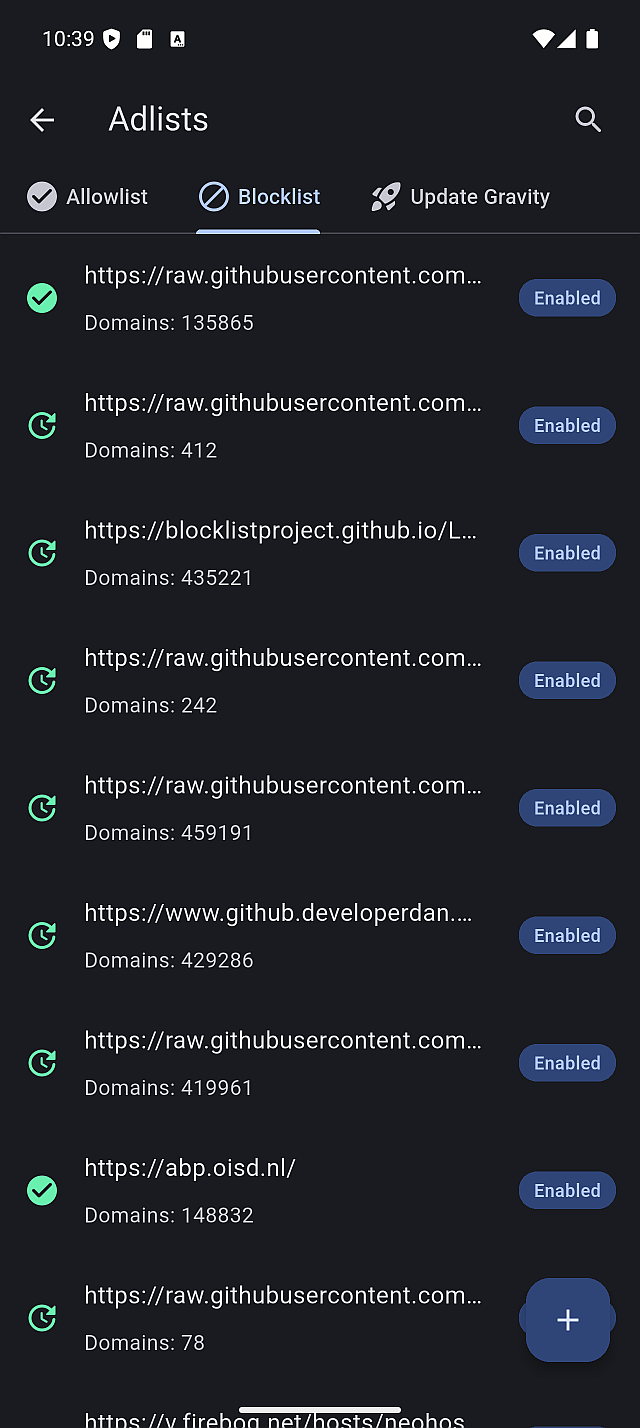
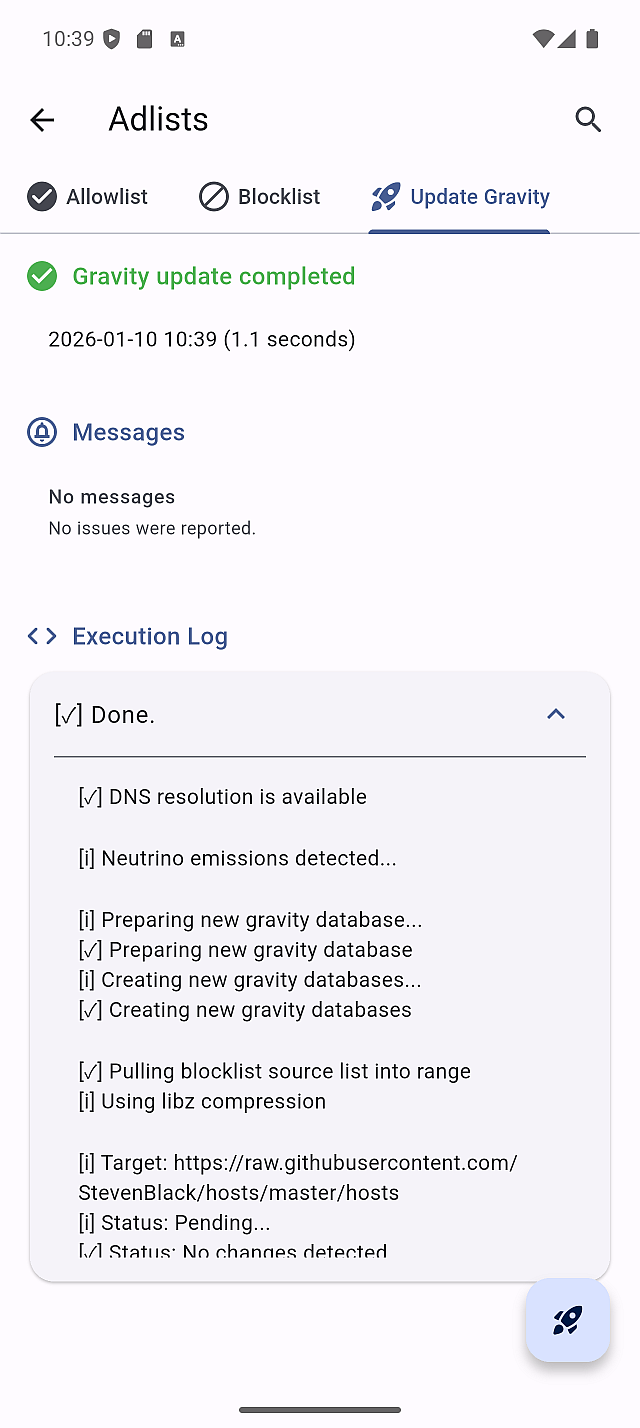
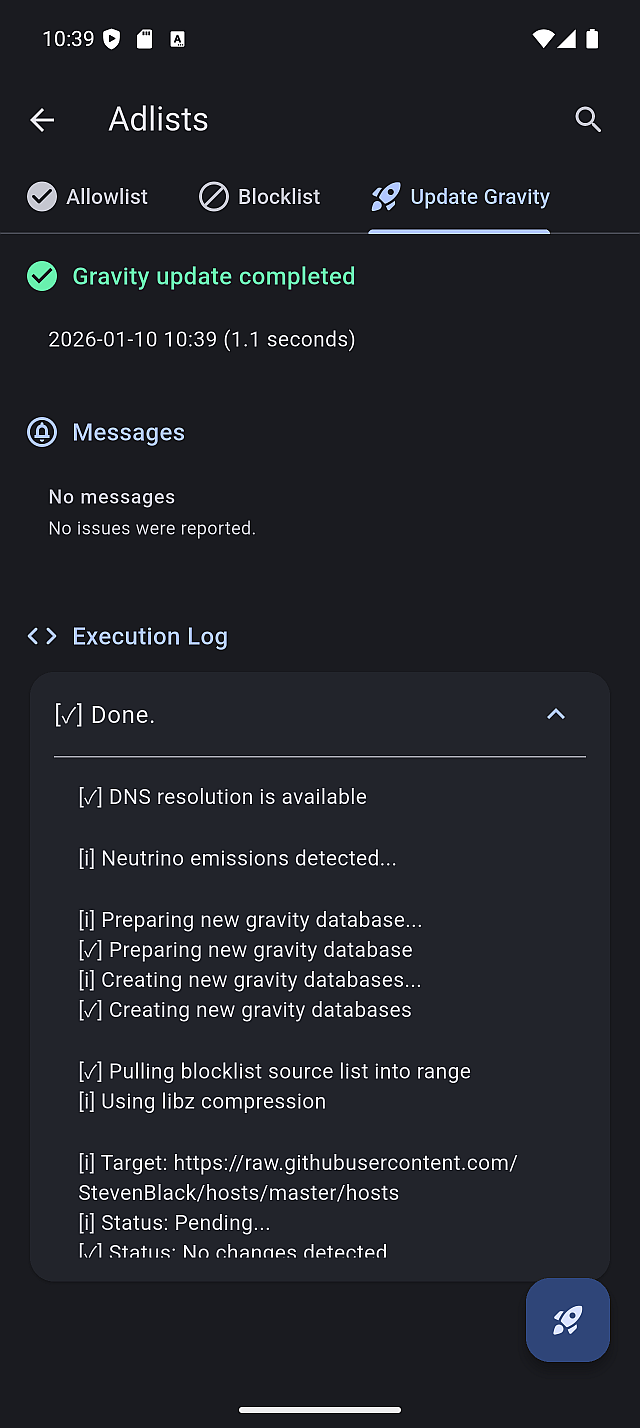
Subscribe to allowlist and blocklist sources, then rebuild gravity to apply changes.
- Allowlist and blocklist subscriptions
- Gravity update action with status
- List detail views for review
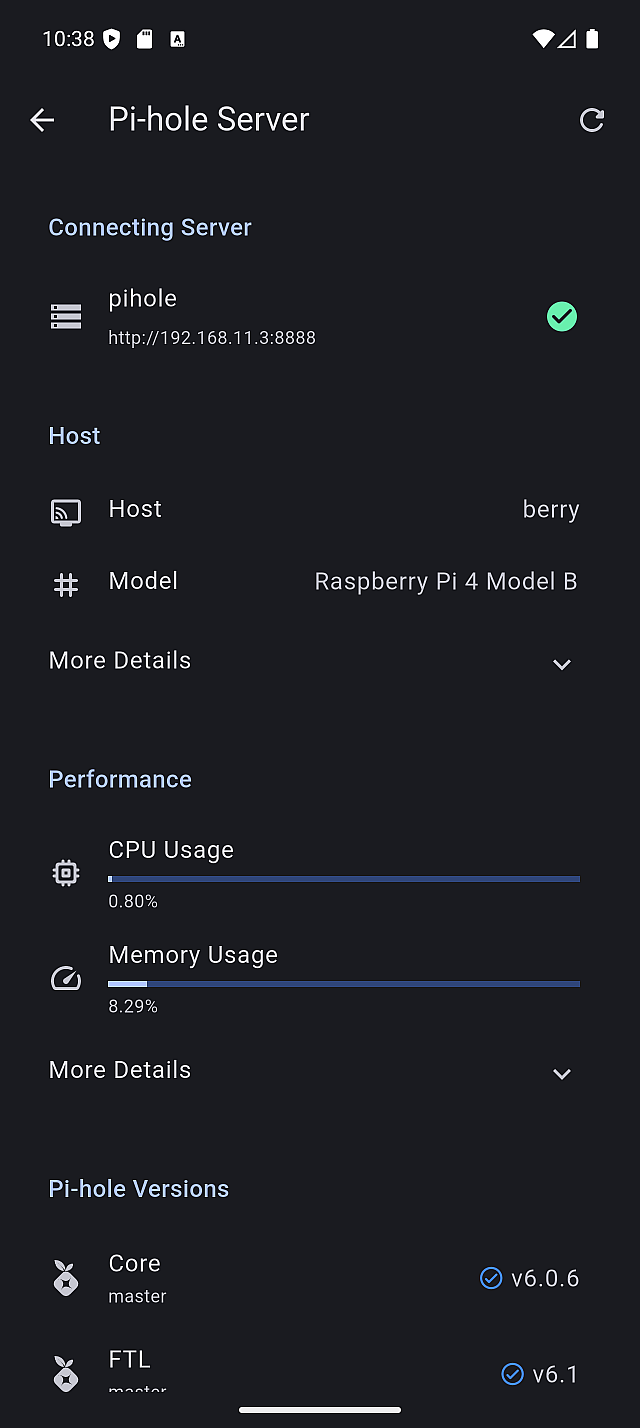
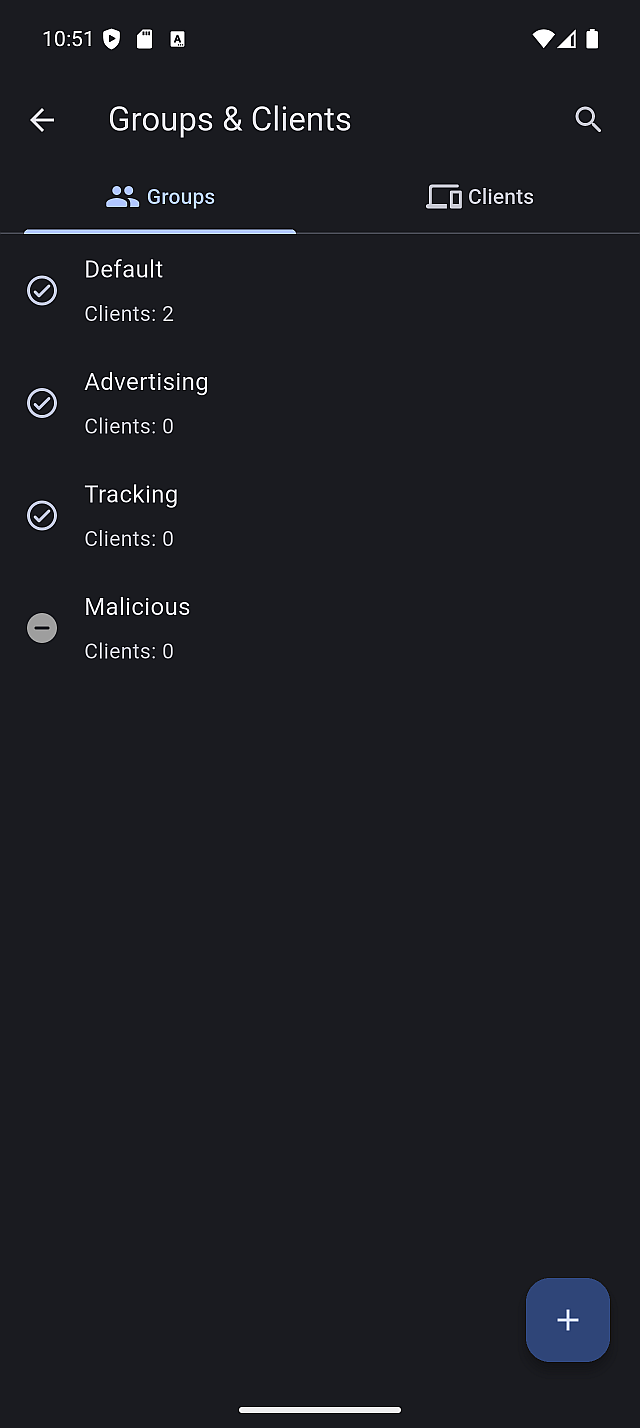
Material You Interface
A clean layout, consistent typography, and responsive layouts across phone and tablet sizes.
- Dynamic color on supported Android versions
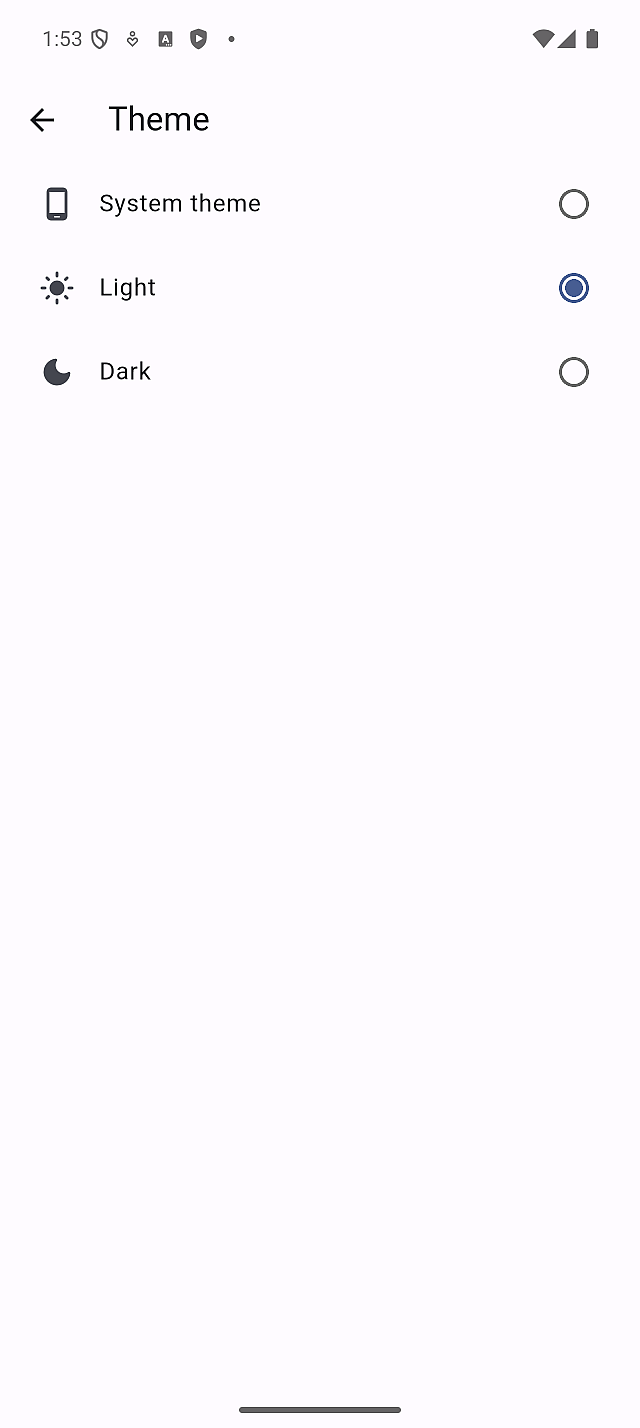
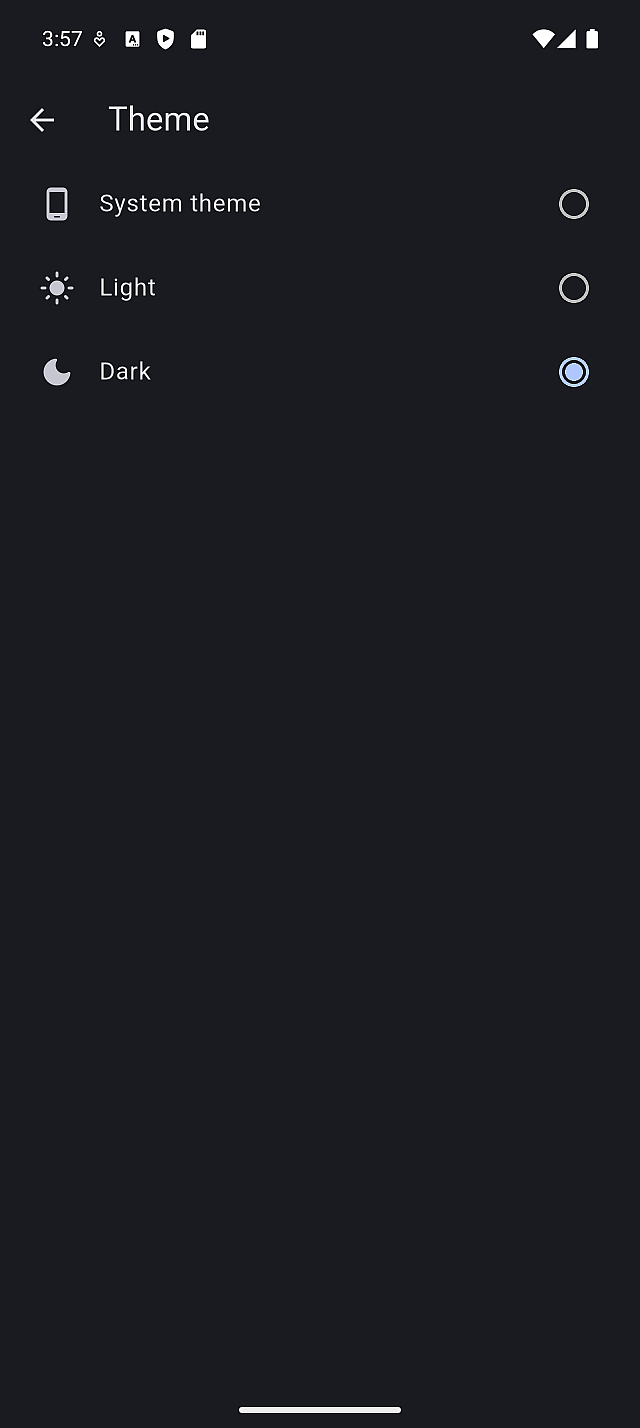
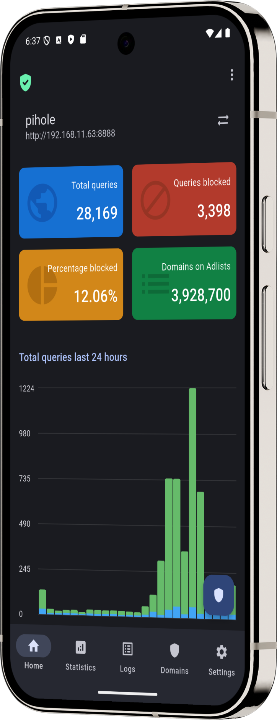
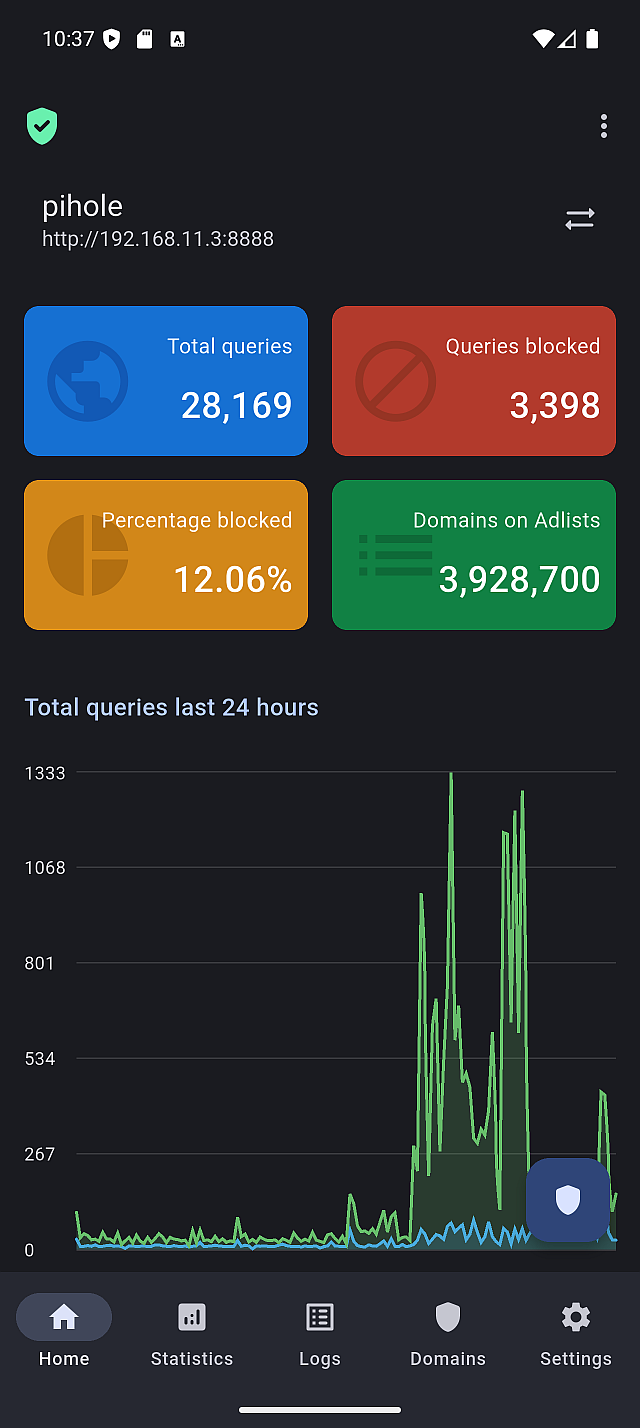
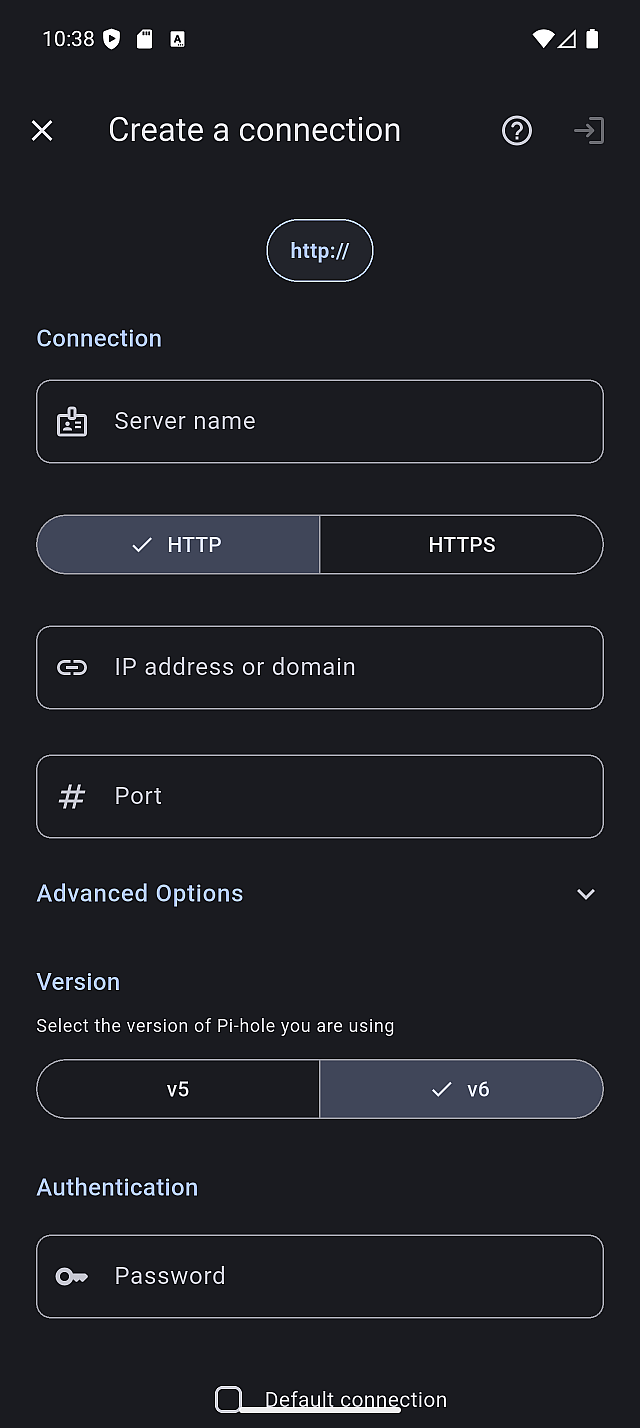
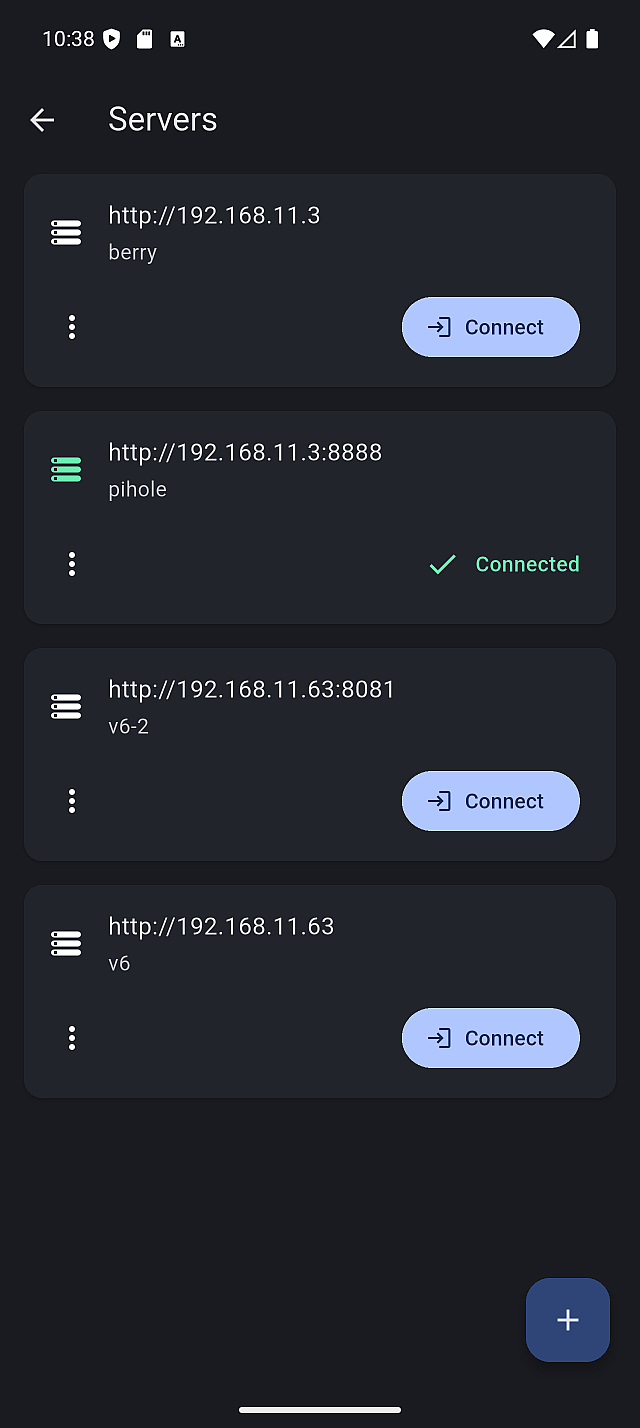
- Light and dark themes
- Responsive layouts